

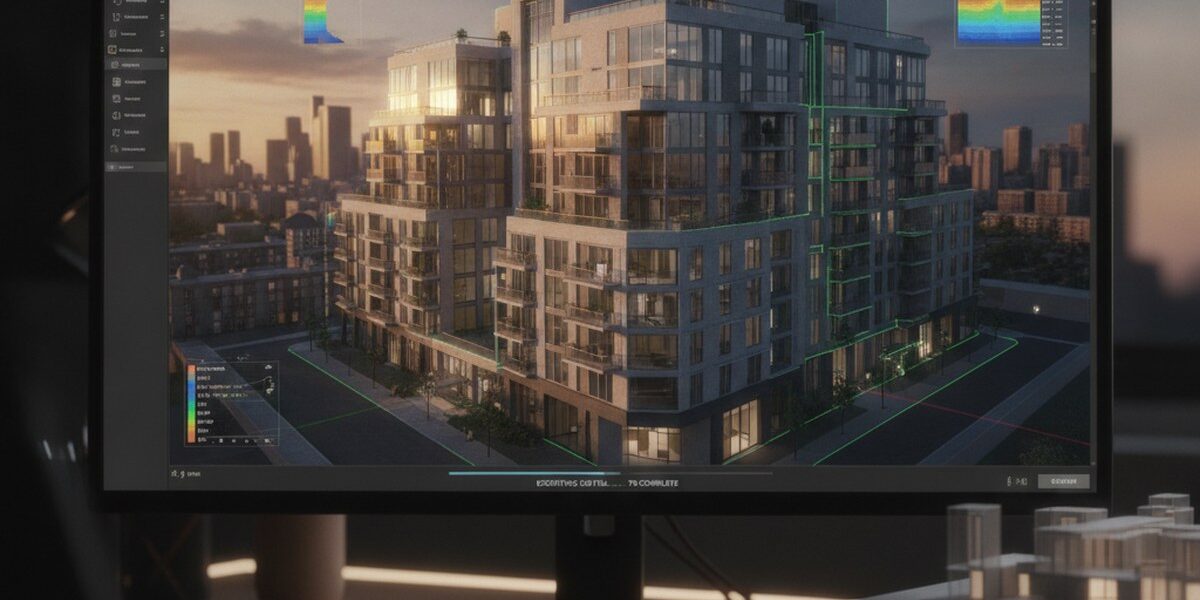
3D modelling plays an increasingly important role in fields such as real estate, architecture and interior design. Matterport technology is one of the key tools for creating detailed, realistic 3D models. But what are Matterport OBJ files and 3D models, and what can you do with them?
What is Matterport OBJ?
Matterport OBJ is a file format containing three-dimensional information about an object or space captured using Matterport technology. This format allows you to export 3D models to other software or applications for further processing, editing or use in various projects.
Exporting in OBJ format is particularly valuable when you need to transfer detailed information about textures, materials and other properties of an object or space. This can be useful for architects, designers and other professionals who need to work with detailed 3D models.
3D models in Matterport: features and applications
A 3D model created with Matterport is a digital representation of an object or space that can be viewed from every side and angle. These models have a wide range of uses, from presenting properties and architectural projects to creating virtual tours and training materials.
One of the key features of Matterport 3D models is their interactivity. Users can view models and interact with them by measuring distances, calculating areas and exporting the data they need for further processing.
What can you export from Matterport?
You can export various types of data and files from Matterport, including:
- 3D models in OBJ, STL and other formats;
- Panoramic photographs and virtual tours;
- Measurement and distance data within a space;
- Information about materials, textures and other object properties.
This data can be used in software such as Autodesk products, SketchUp and Blender for further processing, editing or integration into projects.
Why export data from Matterport?
Exporting data from Matterport can be useful for several reasons:
Better presentations and demonstrations: detailed 3D models and panoramic photographs can significantly enhance project presentations, making them more engaging and easier for clients and stakeholders to understand.
More efficient design and planning: accurate measurements and object property data can support architects, designers and engineers in their work, reducing the risk of errors and improving project quality.
Creating virtual tours and training materials: 3D models and virtual tours can be used to create interactive, engaging training materials, presentations and marketing campaigns.
Practical tips for exporting data from Matterport
For effective data exports from Matterport, consider these practical tips:
- Choose the right export format for your intended use of the data;
- Check the accuracy and level of detail of the 3D model before exporting;
- Use Matterport's features to edit and improve the model before exporting;
- Store exported data in a secure, accessible location.





If you are interested in creating detailed 3D models and virtual tours for your projects, explore our 3D content creation services using Matterport technology. Our team is ready to help you create high-quality 3D models and panoramic photographs for a range of purposes.
Order a 3D tour for your property
Leave your contact — we'll respond within 30 minutes and calculate the cost